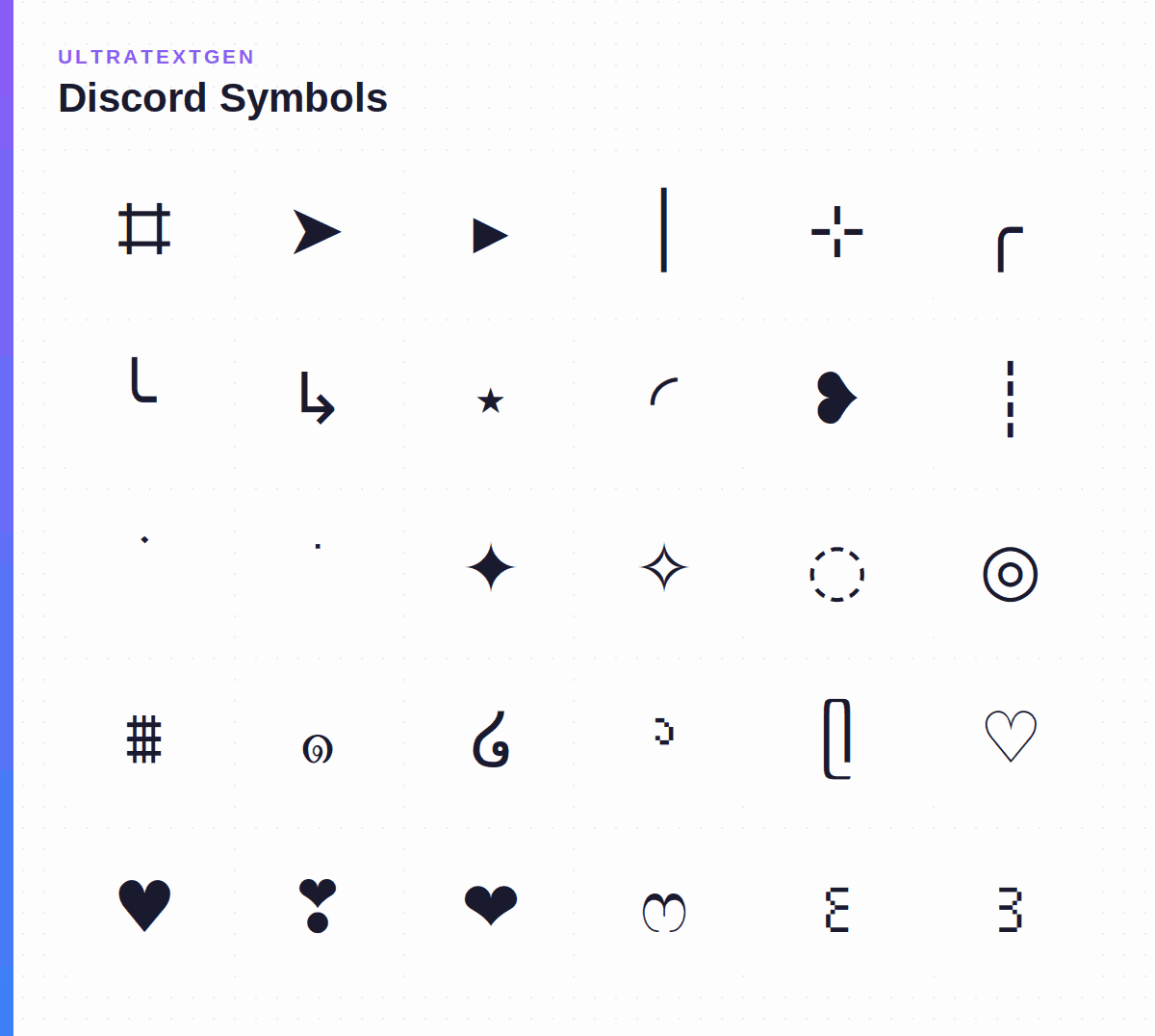
Copy and paste aesthetic symbols for Discord usernames, bios, and server names. All characters render cleanly in Discord's text engine. Click any symbol to copy instantly.
Discord supports most Unicode characters in usernames, bios, and server names, but rendering varies by platform and emoji version. These symbols cover the most popular aesthetic decorations used in Discord communities, from sparkle accents and dividers to Japanese brackets and heart combos. All tiles copy a single symbol or ready-to-paste combo.
Prefix icons and dividers for organising server channels and category headers: paste them before a channel name to group and decorate your channel list.
Tiny accent marks and dot characters popular in Discord aesthetic bios.
Heart symbols and variants that render cleanly in Discord usernames and bios.
Bracket and frame characters for wrapping text in Discord usernames and bios.
Star and sparkle symbols for Discord usernames, server names, and channel decorations.
Single-character dividers for separating sections in Discord bios and server descriptions.
Ready-to-paste Discord bio templates. Click any tile to copy the full combo.
Ready-made Discord strings you can paste straight into a username, bio, server name, or channel: copy the whole combo in one click.
No. The symbols on this page are standard Unicode characters, so they work on every Discord account, free or Nitro. Nitro adds custom and animated emoji, bigger uploads, and profile extras, but text symbols and Unicode fonts never require it. (See Discord allowed characters for field-by-field rules.)
Click any symbol to copy it, then paste it into your Discord display name, About Me, server nickname, server name, or a message. Note that the login username field only allows lowercase letters, numbers, underscores, and periods: symbols go in the display name, not the username.
Yes, partially. Channel names are lowercased and spaces become hyphens, but many Unicode symbols and dividers (such as ⊹, ➤, │, and ⌗) work as prefixes or separators to organise a server's channel list and categories. Test on desktop and mobile, since support can vary.
A blank box means the viewer's device or app version has no glyph for that character. Widely supported symbols (stars, hearts, dots, box-drawing dividers) render almost everywhere; rarer characters may not. If a symbol looks broken for others, swap it for a more common alternative.
Need matching styled text with your symbols? Open the Discord Font Generator, then combine fonts and symbols in one profile-ready line.
Open the Discord Font Generator →Curated aesthetic Unicode characters for bios and usernames.
ASCII faces and Japanese emoticons that work in Discord.
Every heart emoji and Unicode heart character.
Stars, sparkles, and glowing decoration characters.
All types of Unicode brackets and enclosure marks.
Turn your name into bold, italic, and cursive Unicode fonts, no Nitro needed.
Field-by-field Unicode rules for usernames, display names, channels, and bios.